YouGooDai
Mobile of the Day

YouGooDai

5.0 FREE
  • Screenshot 1
  • Screenshot 2
  • Screenshot 3
  • Screenshot 4
  • Screenshot 5

Description

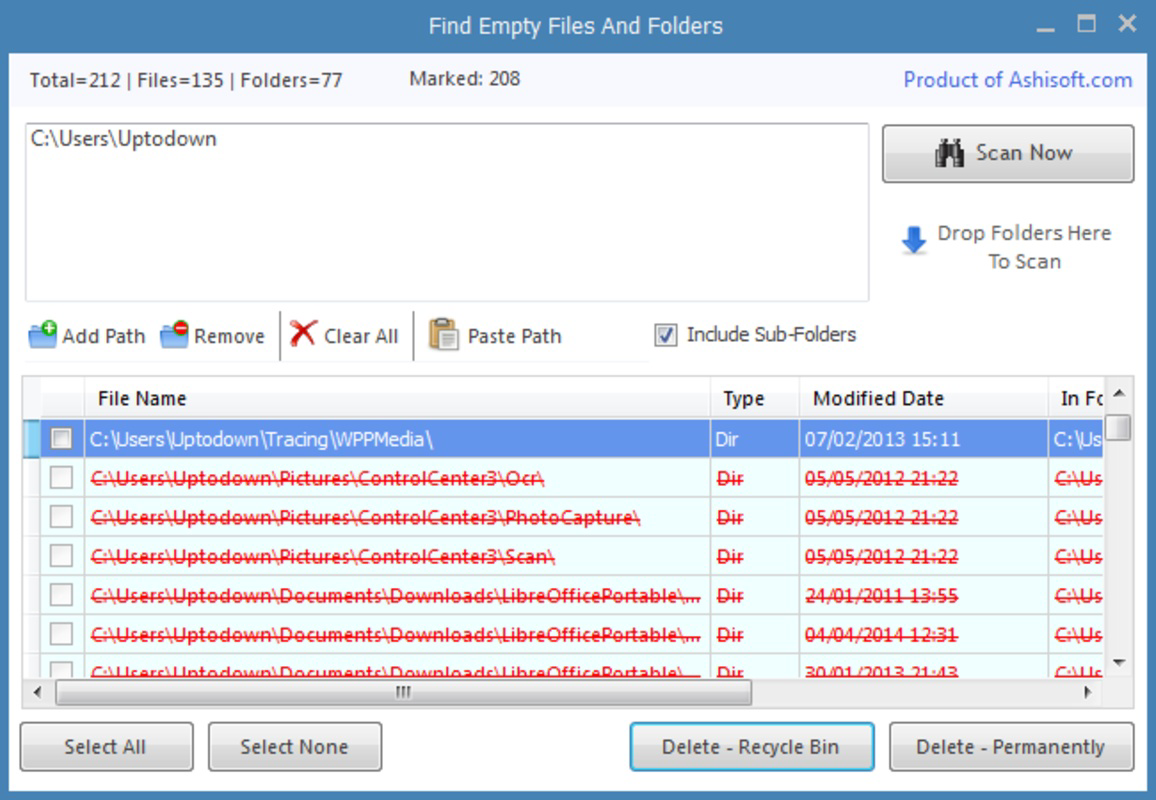
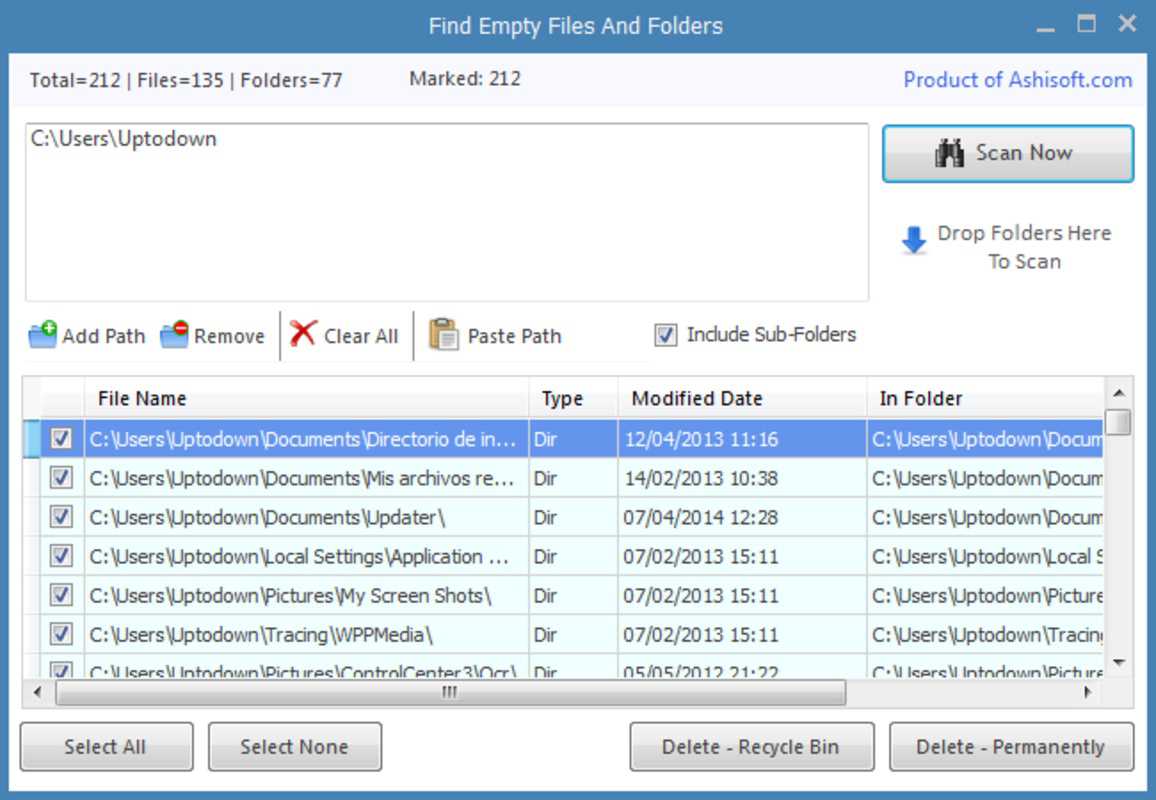
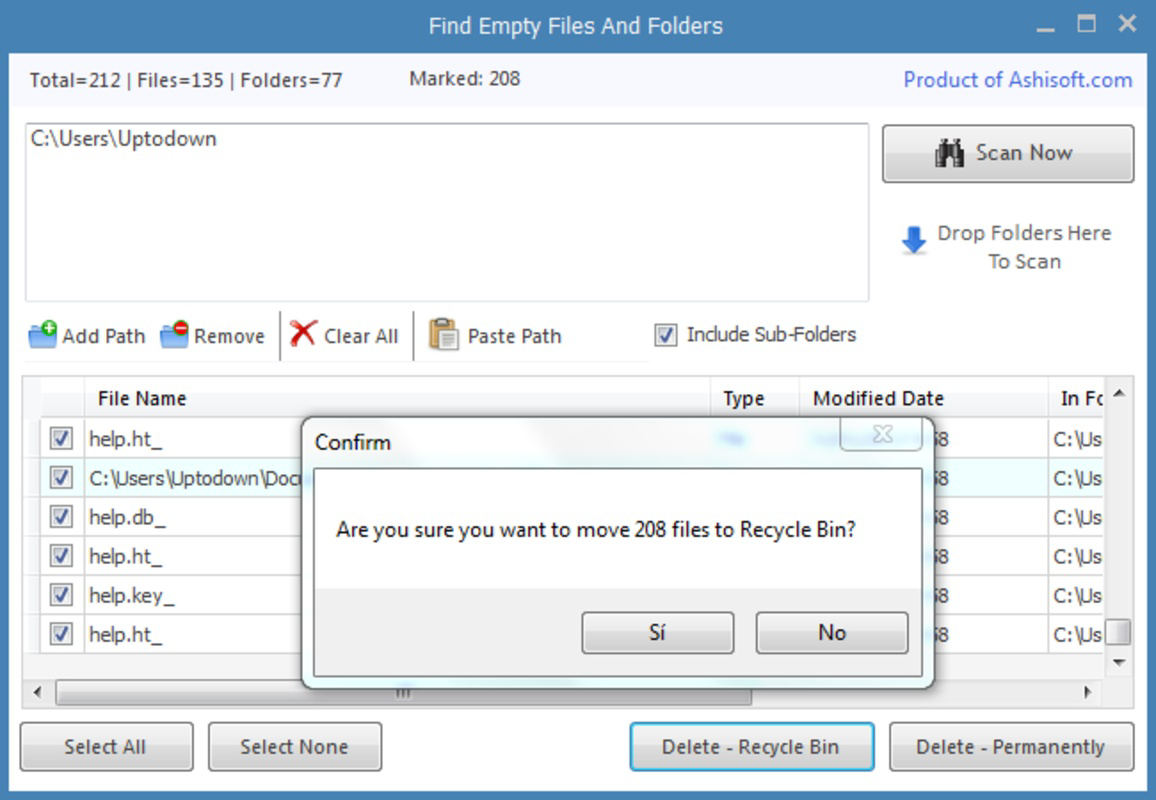
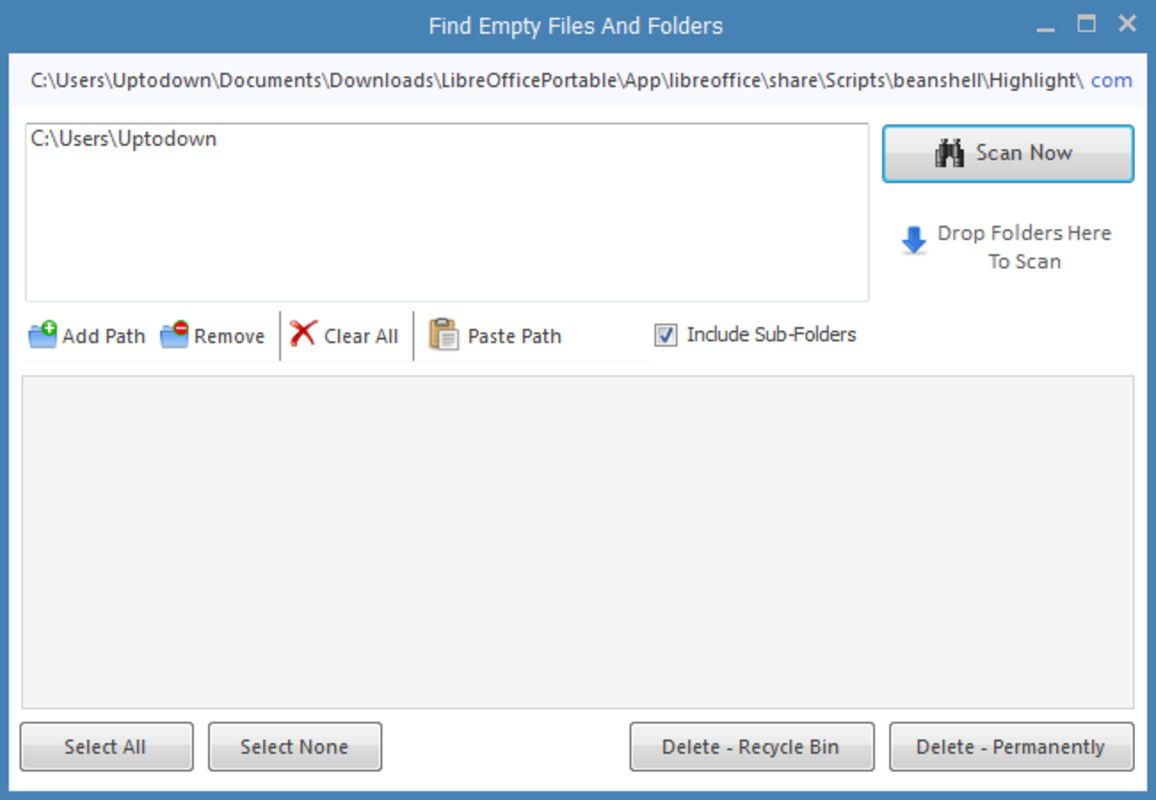
About Find Empty Files and FoldersFind Empty Files and Folders is an efficient application designed to streamline the process of locating and managing empty folders on your hard drive. By allowing users to select specific directories to scan, it provides a quick overview of which folders can be eliminated. With just a few clicks, users can declutter their digital space without the hassle of manual searching, making it an essential tool for anyone needing to tidy up their file system. Features of Find Empty Files and Folders - Quick Scanning Process: The application offers a fast scanning feature that analyzes selected directories for empty folders. Users simply need to select the folders they want to check and click 'Scan Now.' This feature saves time compared to manual searches. - User-Friendly Interface: With its straightforward interface, the application is easy to navigate, even for users unfamiliar with folder management tools. The clean layout guides you through the scanning and deletion process, ensuring a hassle-free experience. - Selectable Folder Scanning: Users can choose specific locations such as My Images or Program Files to scan, providing flexibility and control over which areas of their hard drive are analyzed for empty folders. This targeted approach helps maintain important files while cleaning up excess clutter. - Deletion Options: Once empty folders are identified, users can choose to delete them by sending them to the trash or permanently removing them. This dual option allows users to manage their files according to their preferences and ensures they don't lose important data accidentally. - Clutter-Free Experience: By effectively locating and removing empty directories, Find Empty Files and Folders contributes to a more organized file system. Users can enjoy a clutter-free digital workspace, leading to improved productivity and easier navigation. Release Date of Find Empty Files and Folders 2014-04-09Reviewed by Eddie C. ReardonShow MoreShow Less

Guides & Tutorials for Find Empty Files and Folders

How to install Find Empty Files and Folders
  1. Click the Preview / Download button above.
  2. Once redirected, accept the terms and click Install.
  3. Wait for the Find Empty Files and Folders download to finish on your device.
How to use Find Empty Files and Folders

This software is primarily used for its core features described above. Open the app after installation to explore its capabilities.

User Reviews for Find Empty Files and Folders 0

    No reviews found

Similar Apps
